Is it difficult for you to find your way around the computer keyboard in English?
This blog post is Part Two of our look at the English language keyboard used here in the United States. Today we’ll look at the right side of the main cluster of keys. (Click here for Part 1.)
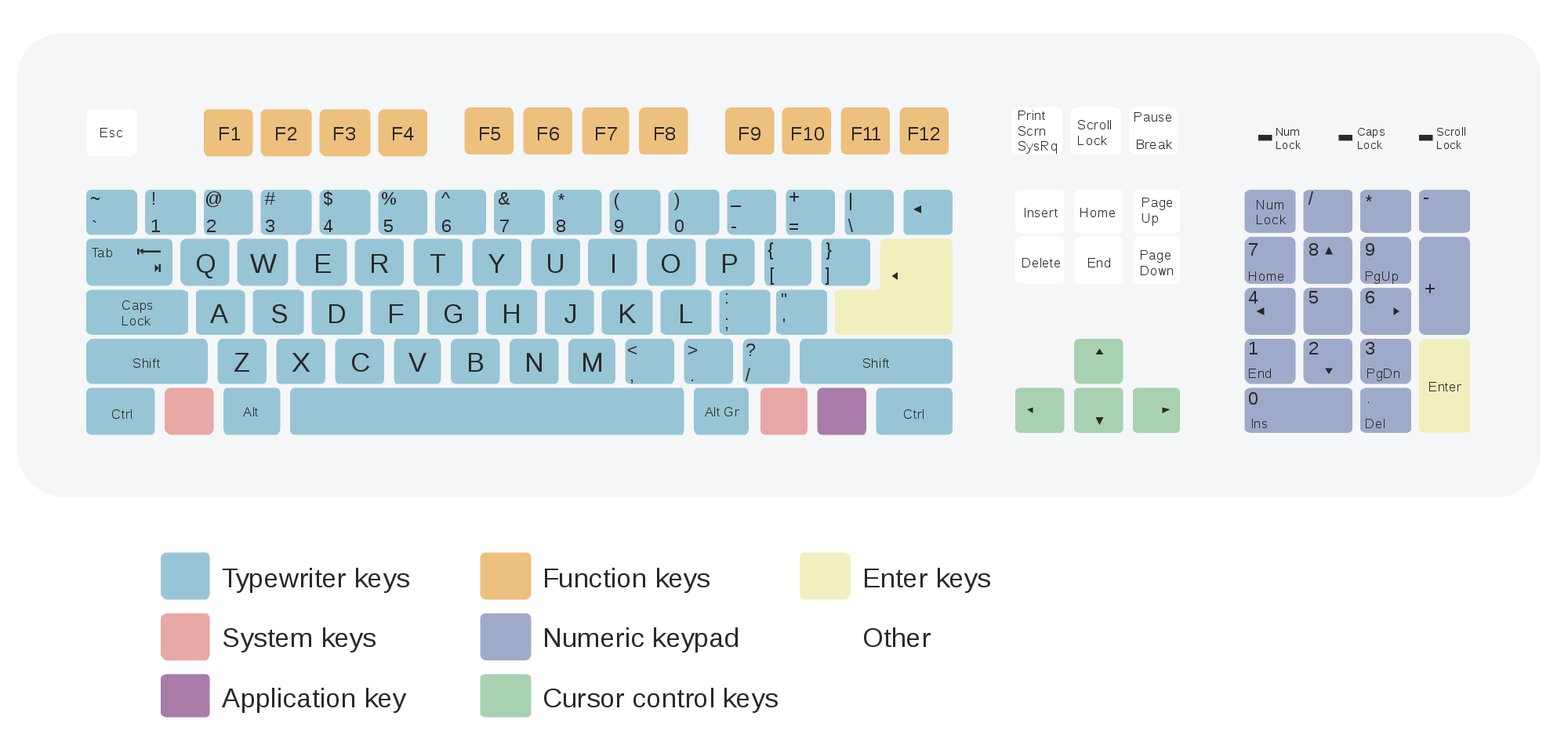
First on the top row we have the backspace key.
The backspace key deletes what you’ve typed, one keystroke at a time.
one stroke at a time
one stroke at a tim
one stroke at a ti
one stroke at a t
and so on.
Next we have the back slash ( \ ) key. You use this key when you are designating file locations on your computer: c:\myeslblog\thekeyboard.doc or c:\myeslblog\thekeyboard.pdf.
Beneath the backslash key, you have the Enter key. When you use the Enter key alone, it returns you two lines down (i.e. double space).
like this.
and this.
When you use the Enter key and the Shift key at the same time, it returns you one line down.
like this.
or this.
On the bottom row you have the Shift key, again, just like on the right side of the keyboard. The shift key, again, creates CAPITAL LETTERS or, in terms of the top row of the keyboard, &)&&((#$@%^%&+_), the symbols on the tops of the keys.
Below is a review of the vocabulary used in this blog post:
Now I’ll list our vocabulary:
(to) backspace, the backspace key
backslash \
(to) enter/to hit the enter key
(to) shift/(to) hit the shift key
(to) return
(to) hit the shift key
So that’s PART TWO of today’s lesson, Navigating the Computer Keyboard in English!
We will complete the keyboard in subsequent lessons.

Hello! I’m an adult ESL teacher here in Brooklyn, NYC. I love these articles and have been using them with my ESL class to teach keyboarding and technology. I can’t seem to find Part three. Have you written it yet? Please let me know! We await….. Ms. Chin/Brooklyn Adult Learning Center
Teresa,
I’m so sorry for this delay. The comment just now appeared! I see you wrote it months ago. I would be happy to develop a Part 3. When I’ve done so, I’ll notify you. Thanks so much for the heads up! You’re on Nostrand Avenue! I developed my primary software while teaching at Kingsborough.
Jane